Work Hour Tracker app icon
Work Hour Tracker Work LogFor iPhone, iPad and iPhone Duo

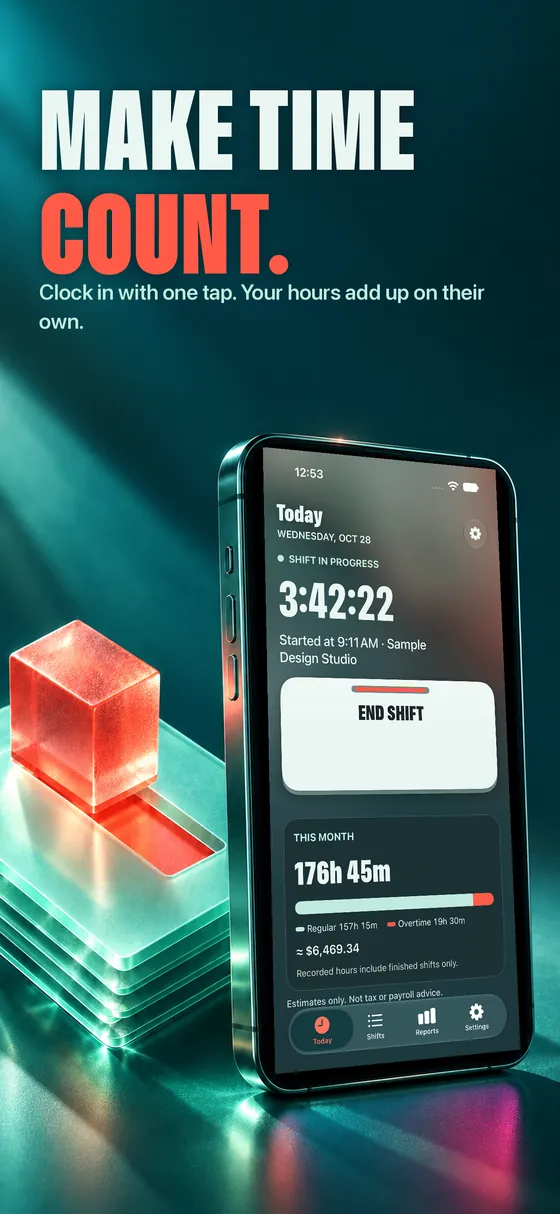
Make time
count.

A work log built around Siri, Apple Intelligence and Live Activities. Clock in by voice, watch your shift live on the Lock Screen and get your week written for you.

$5 once. No subscription, no account, no ads.

Siri & Shortcuts Apple Intelligence Live Activity Stays on your iPhone

Siri & Shortcuts

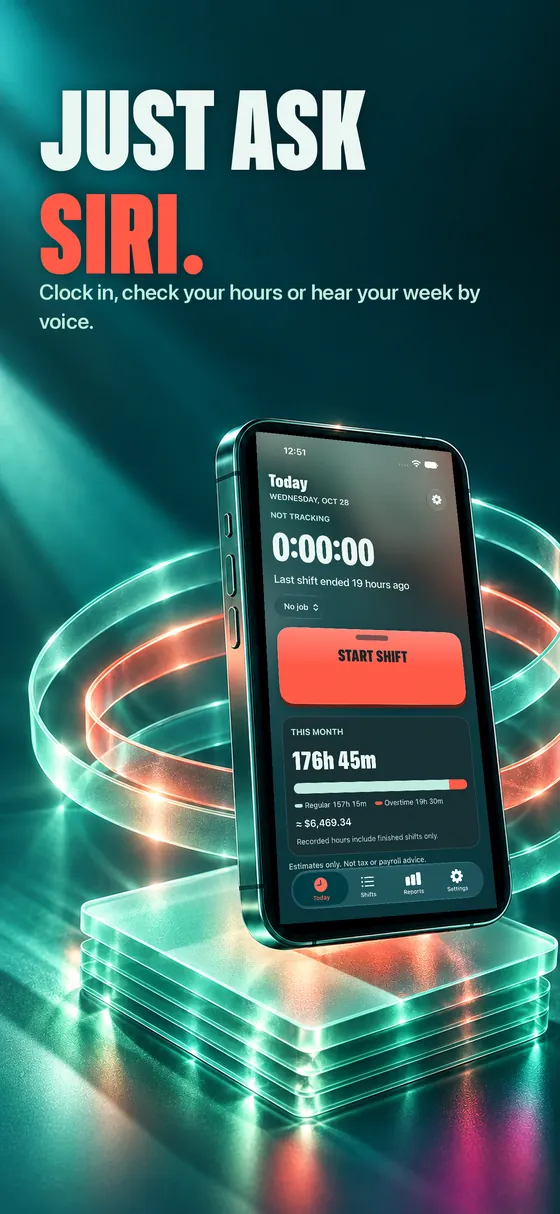
Just ask Siri.

Clock in on the way in, clock out on the way out — without opening the app. Every action also works from Shortcuts and Spotlight.

  • “Clock in with Work Hour Tracker”Starts your shift timer, even with the app closed.
  • “How many hours this week?”Hears your total, with overtime when there is some.
  • “Summarize my week”Siri reads the summary Apple Intelligence writes for you.
  • “Export my hours”Gets your log ready to share.
Clock in with Work Hour Tracker
You're on the clock at Sample Design Studio. Have a good shift.
How many hours this week?
You've worked 33 h 30 min this week. No overtime yet.

Apple Intelligence, built in

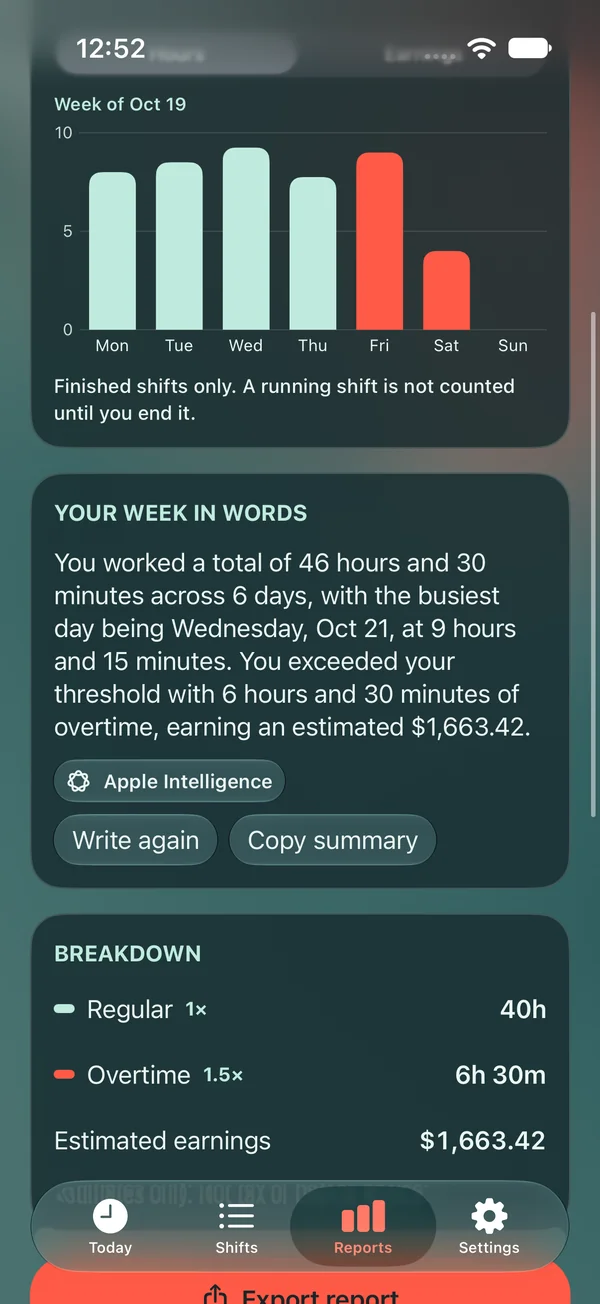
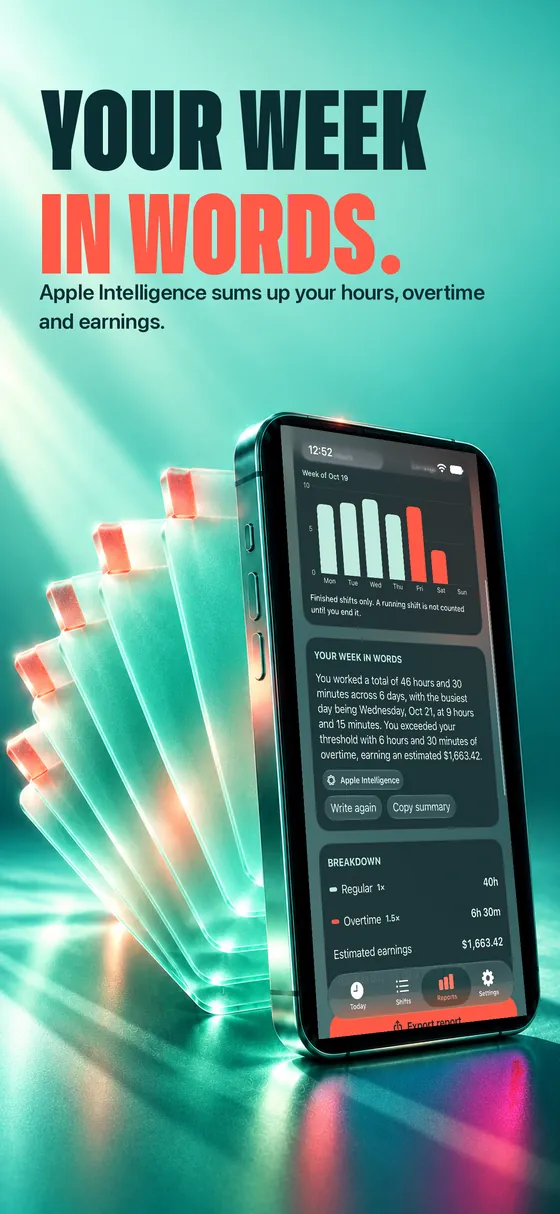
Your week
in words.

Apple Intelligence turns your hours into a short, natural summary, reads shifts from a sentence and takes a second look before you export. It runs on your device or with Private Cloud Compute.

  • Week summariesHours, busiest day, overtime and estimated earnings, in plain words.
  • Type it instead of tappingWrite a sentence and get a shift ready to check and save.
  • A second look before you exportIt points out shifts worth reviewing.

Without Apple Intelligence every feature still works with the built-in calculation, and the app always shows which one wrote the text.

Your week in wordsApple Intelligence

Example summary written from the sample data in the screenshots.
You type: yesterday 9 to 5 at the café, 30 min lunch
📅 Yesterday🕘 9:00 AM → 5:00 PM☕ Break 30 min✓ Ready to check

Live Activity & widgets

Your shift,
live.

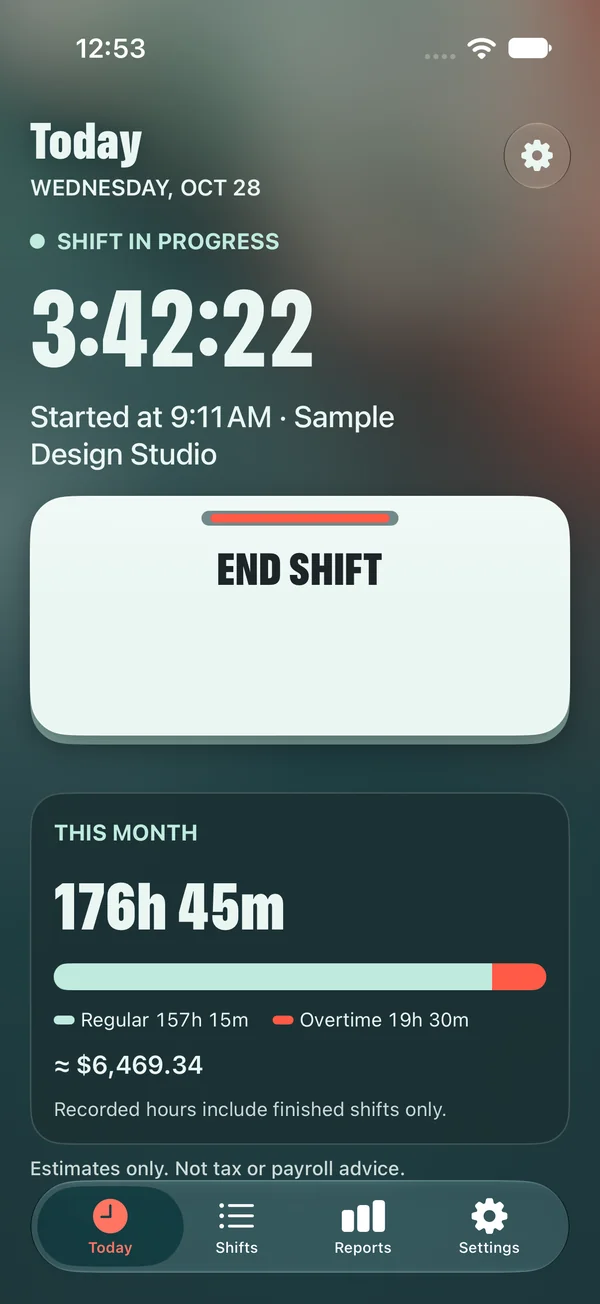
Start a shift and the timer follows you to the Lock Screen and the Dynamic Island. Close the app mid-shift — the clock keeps running. Widgets show your hours on the Home Screen and the Lock Screen.

  • Lock Screen and Dynamic IslandSee how long you've been on shift at a glance.
  • Home Screen widgetsYour hours at a glance, without opening the app.

Illustration of the Live Activity.

Everything you need

Built for people
paid by the hour.

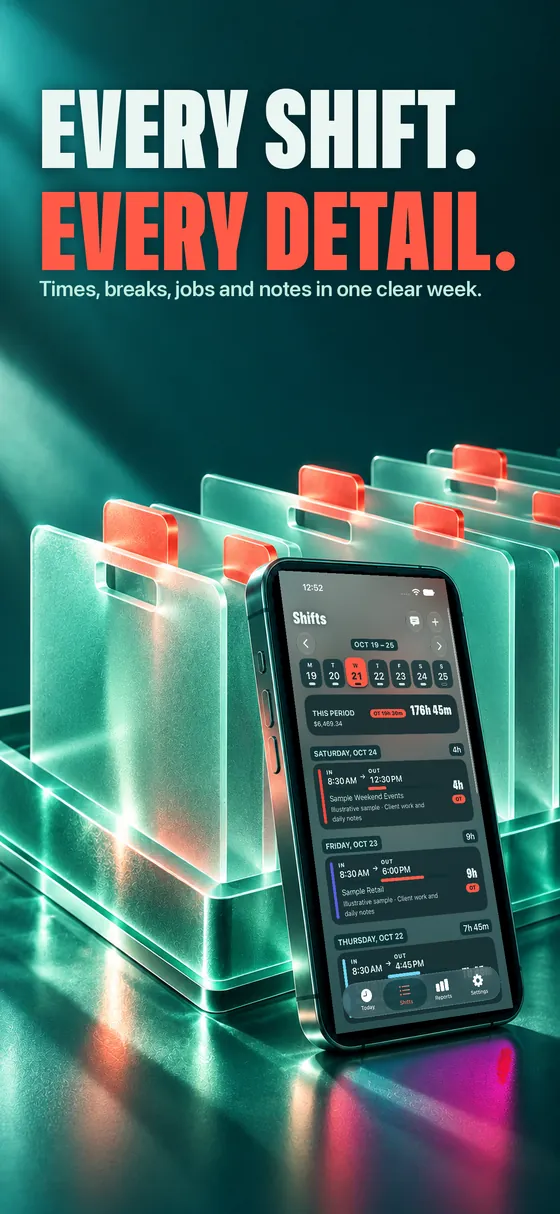
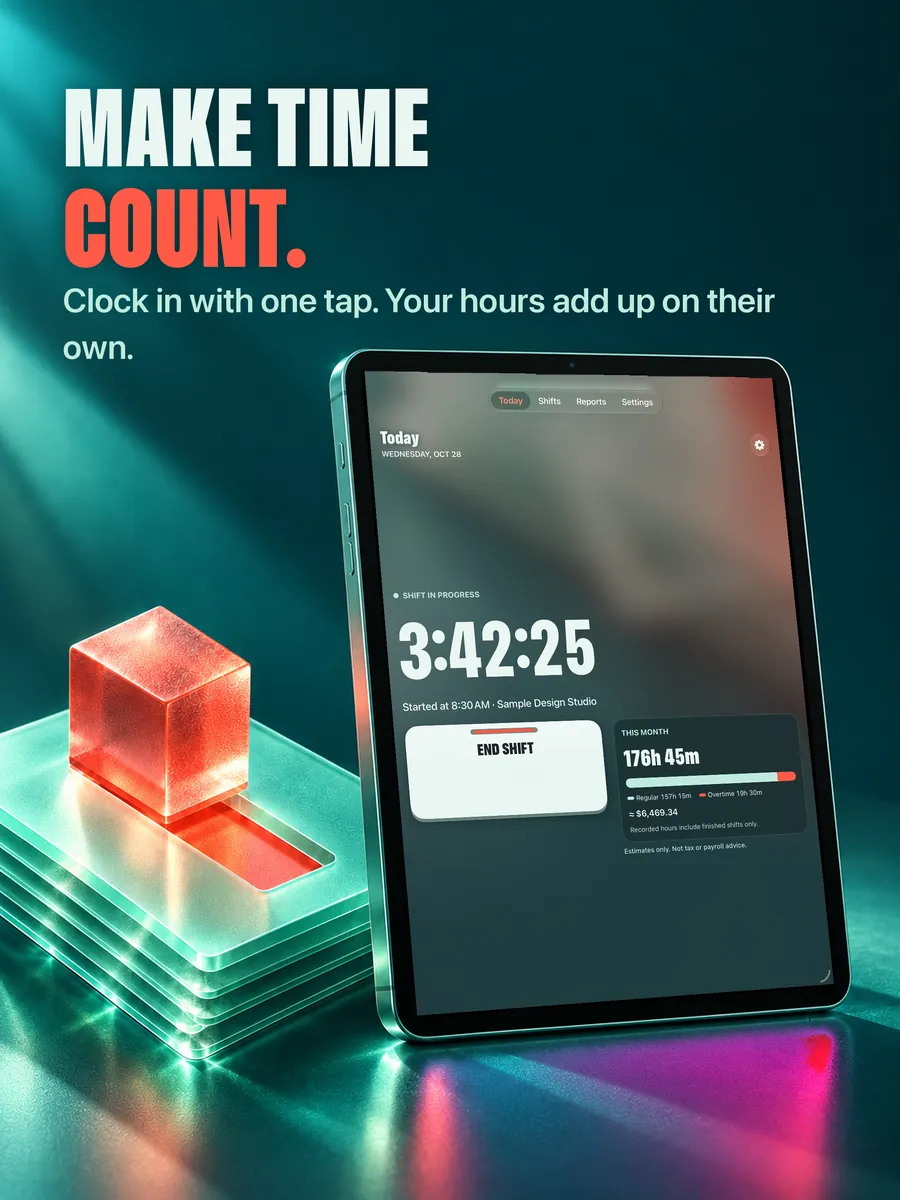
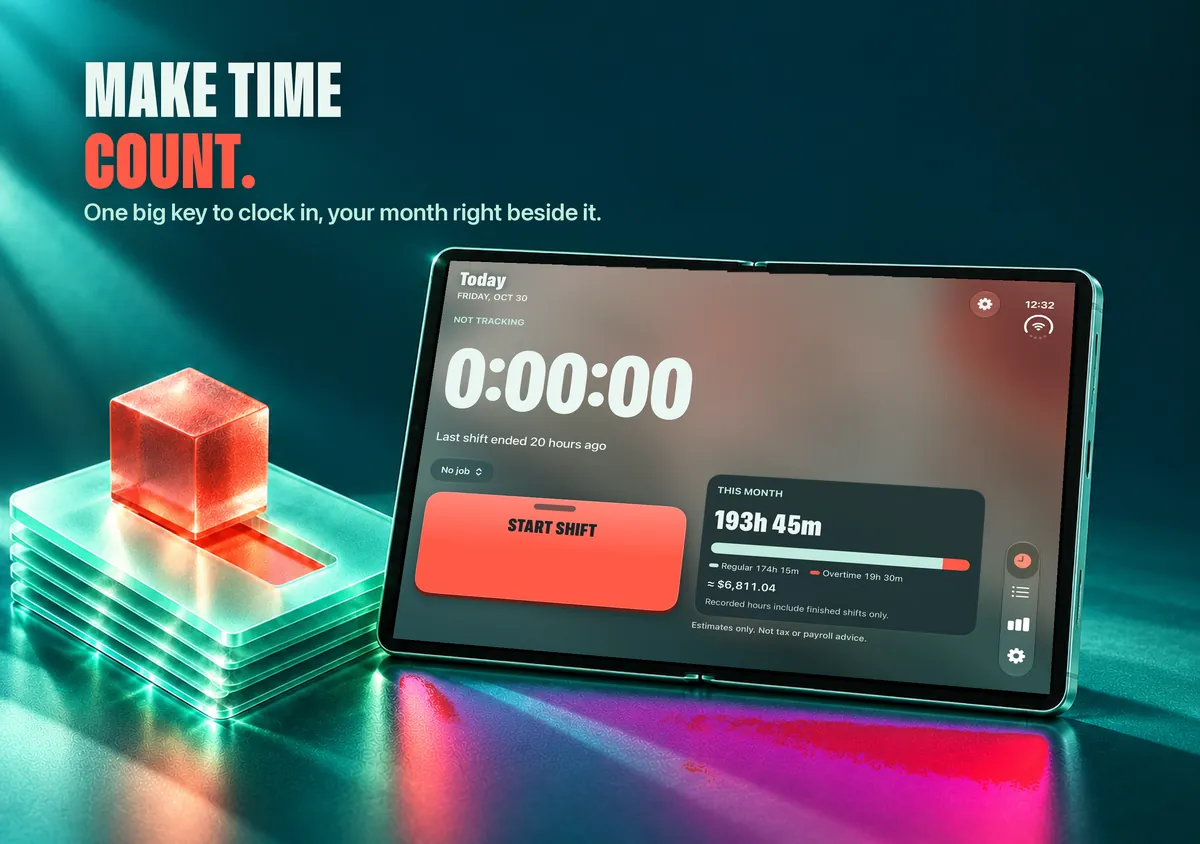
One-tap clock in

A big key to start and end your shift, with breaks and notes.

Pay-period totals

Weekly, biweekly, semi-monthly or monthly, starting the day you choose.

Earnings & overtime

Your rate, estimated pay and overtime after the threshold you set.

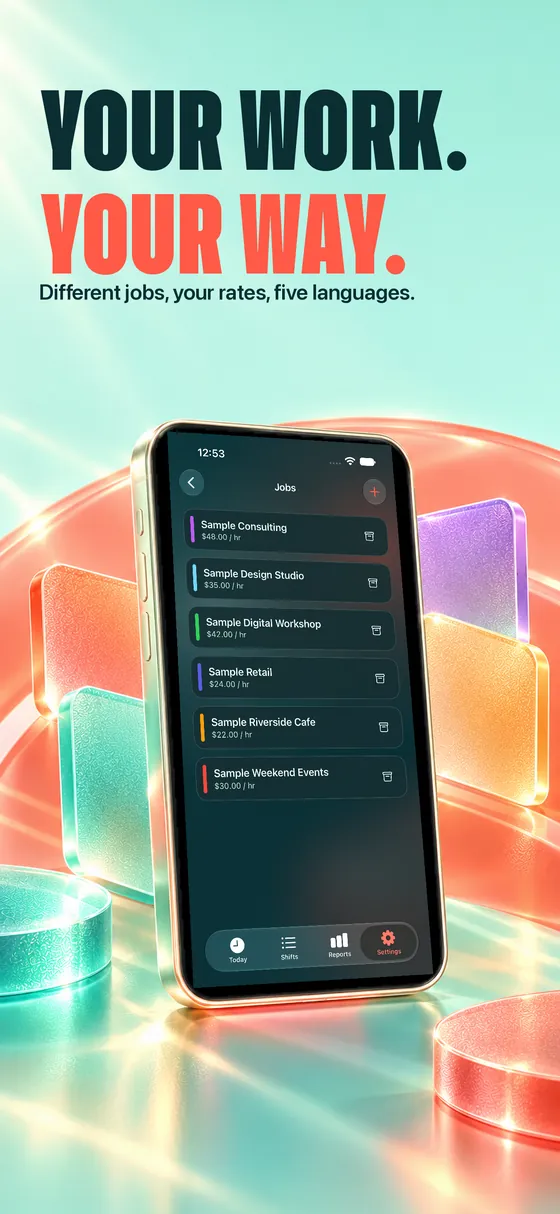
More than one job

Each job with its own rate and color.

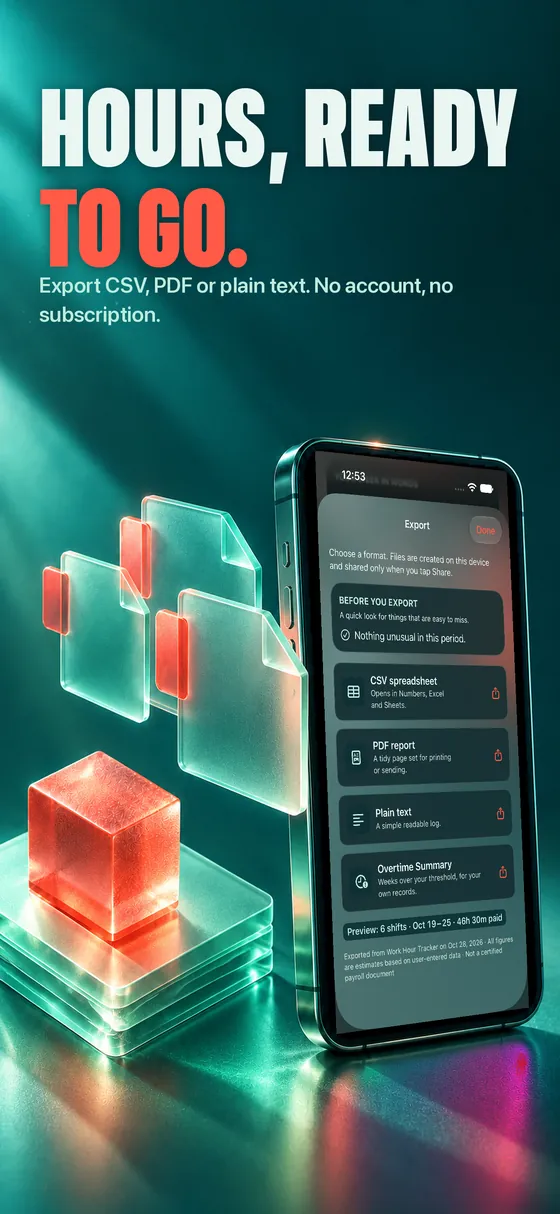
CSV, PDF & text

Export a clean log with an overtime summary and share it anywhere.

Explore your time

Your week in 3D, a shift lab and short guides.

Private by design

Your hours stay yours.

Your records live on your device. No sign-up, no analytics, no ads, no tracking. Optional Apple Intelligence requests may be processed by Apple to answer them.

No accountOpen it and start
On your deviceWorks offline
No trackingNo analytics
No adsEver

One price. Yours to keep.

$5
  • Every feature
  • No subscription
  • No in-app purchases
  • iPhone, iPad & iPhone Duo
Get it on the App Store
EnglishEspañol日本語Deutsch한국어

Questions

Good to know.

Do I need Apple Intelligence?

No. Summaries, reading a shift from a sentence and the export check use Apple Intelligence when your iPhone has it. Without it, the app shows the built-in calculated version, so everything keeps working.

Which Siri phrases can I use?

“Clock in with Work Hour Tracker”, “Clock out with Work Hour Tracker”, “How many hours this week?”, “Summarize my week” and “Export my hours”. You'll also find them in the Shortcuts app and Spotlight.

Where is my data stored?

On your device. There is no account and no server. You can export your log as CSV, PDF or plain text whenever you want.

Does it calculate my real paycheck?

It estimates earnings and overtime from the rates and threshold you set. It is a personal record-keeping tool, not legal, payroll or tax advice.

Is it a subscription?

No. You pay once and get every feature, with no in-app purchases.
Support

We're here to help.

Questions, problems or ideas: write to deg.leon.2024@gmail.com. Please include the app version and your device, and avoid sending sensitive personal information.

Documents

License (EULA)Apple Standard EULA

Effective 2026-10-27. Developer: Daniel Esteban Gonzalez, Argentina.

Quick message

Opens your own mail app, addressed to us. Nothing is sent or stored by this page.